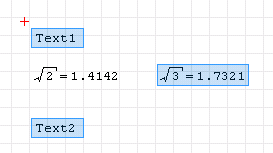
Selecting
Click with the left mouse button close to the region:

drag to the opposite corner until the region turns blue:
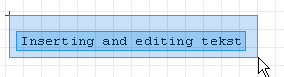
Release the mouse button:
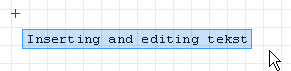
The same applies to selecting multiple adjacent regions:
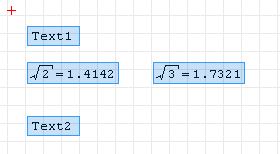
If you want to select non-adjacent regions, select the first one, then add the subsequent ones by pressing and holding the CTRL button, clicking the regions of interest with the left mouse button.