Multilanguage Support
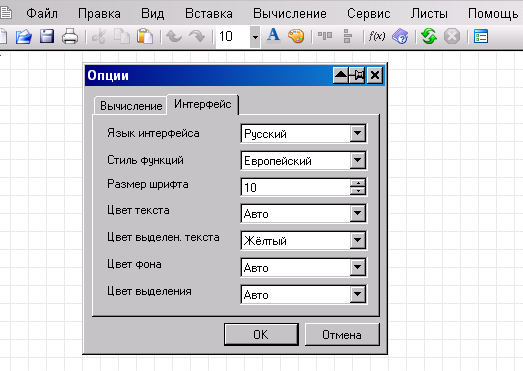
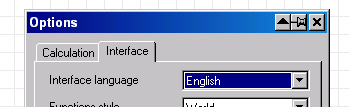
SMath Studio has a very powerful multilanguage support. First of all, the language interface could be changed (Tools > Options... > Interface).
Suppose the English language is selected. Now, insert some text region. Click into it with the left mouse button. Then, click into it with the right mouse button. One of the options is Choose language.... Choose one of the languages on the list.
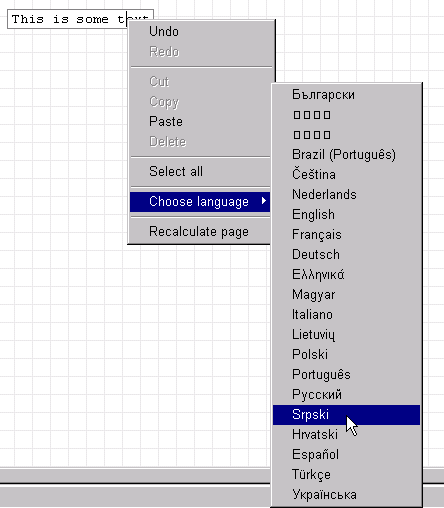
The empty "insert text" cursor will appear.

Type the desired text in the chosen language.
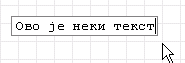
When finished, click outside the text region. Then, point the text. You will see the previous English text as a tooltip.
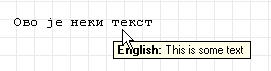
Left click, then right click and choose the English language. See the picture.
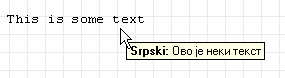
This way you can add more than one language.
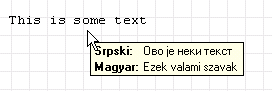
All the text in one language could be changed at once by choosing the desired Interface language.
Note: if your language is not on the list, see the SMath forum for how to add it.
This page is based on a legacy wiki article by Radovan Omorjan.