SMath Self-registration
In order to get a full power of SMath services, free registration on https://smath.com/ web is required. Following steps to be performed to get it done:
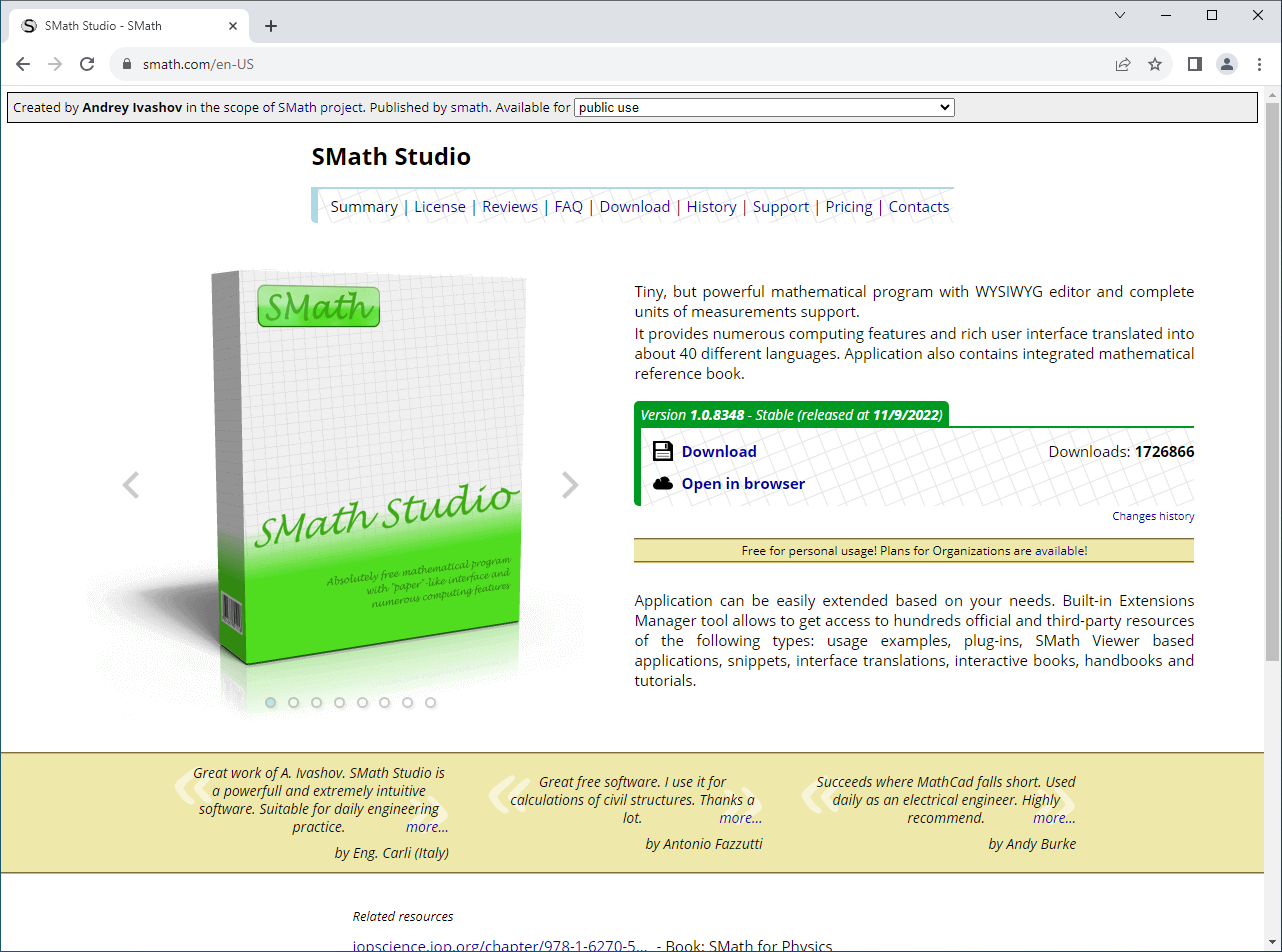
- Open your favorite browser and navigate to https://smath.com/ :
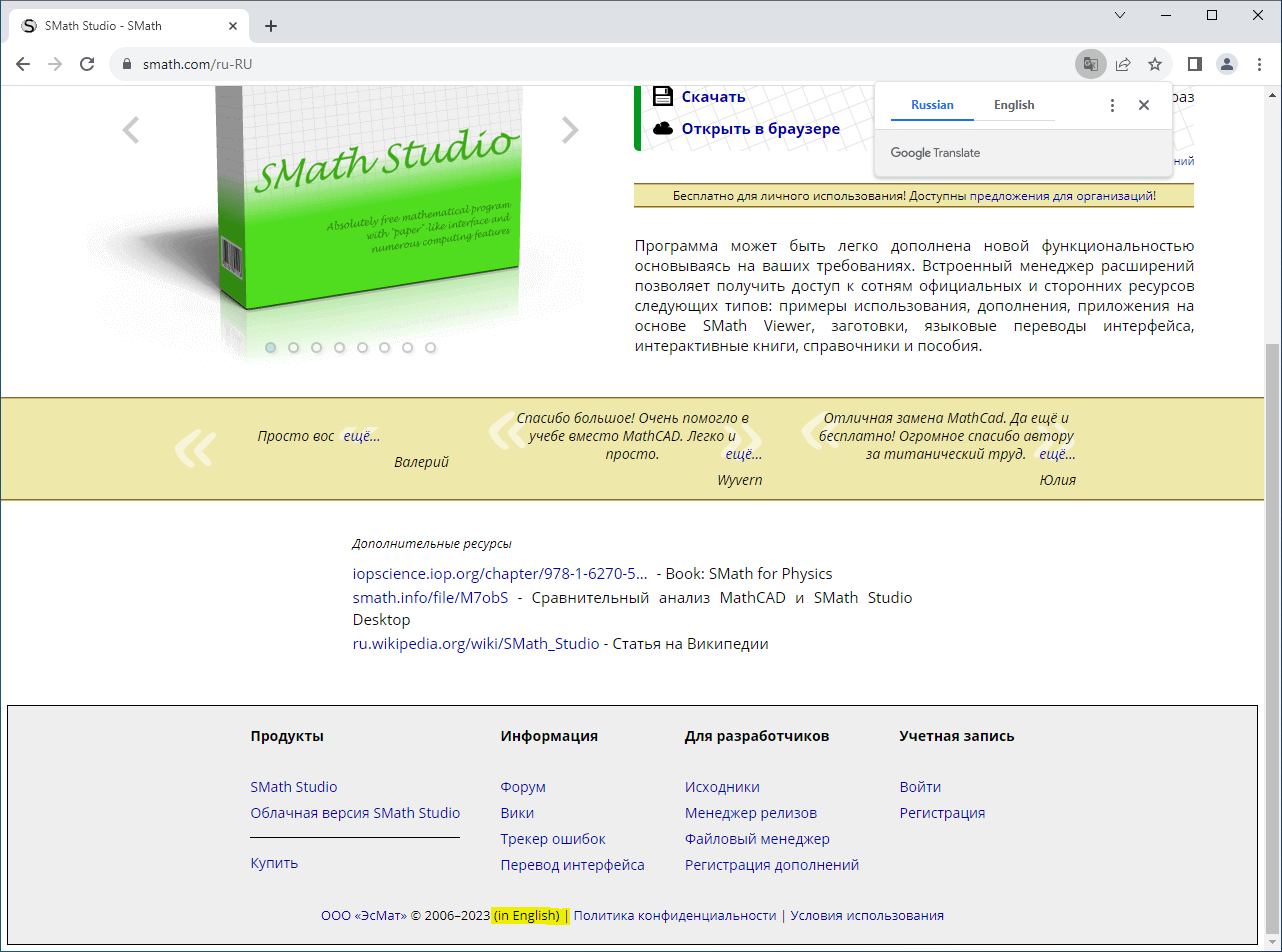
- Select desired interface language, using appropriate footer link:
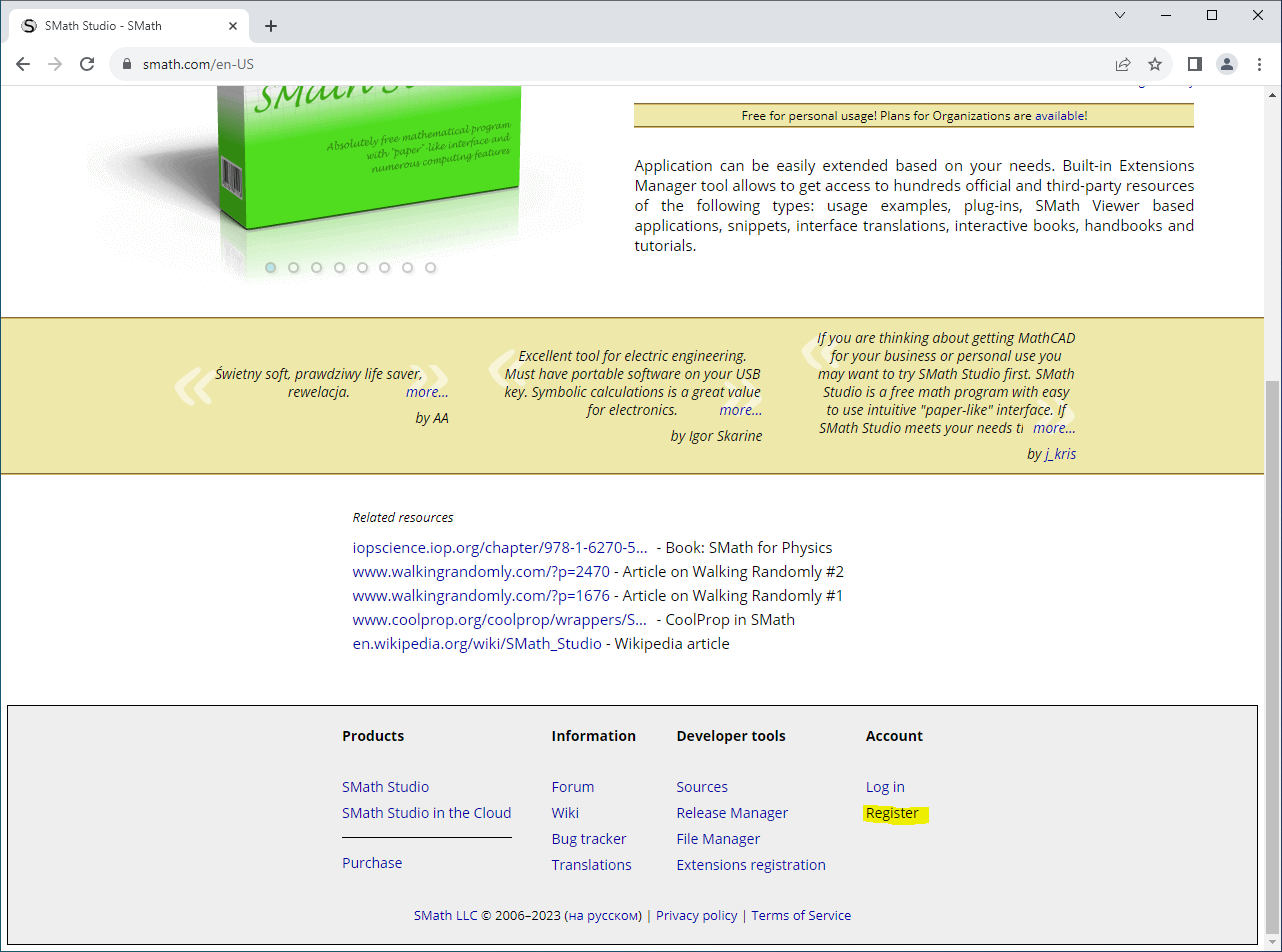
- Click Registration link in the footer:
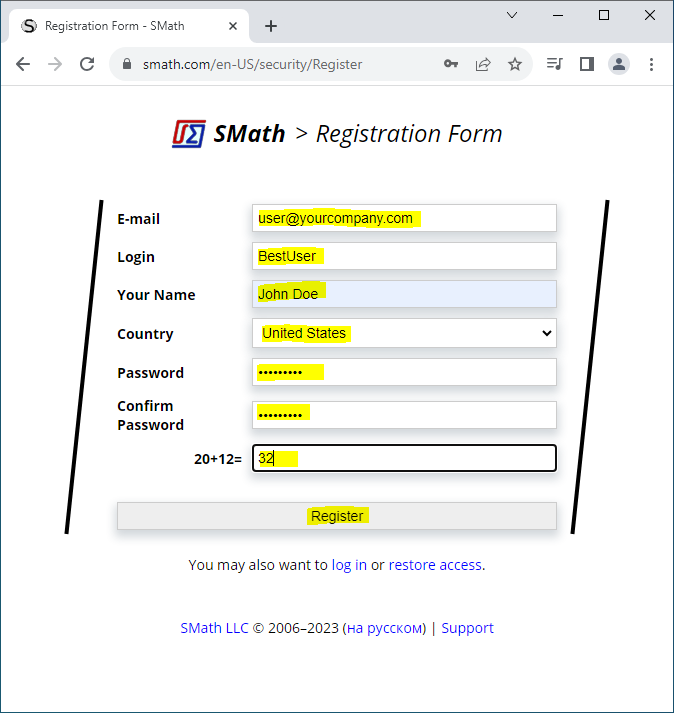
- Fill in all the fields on appeared Registration form. Make sure E-mail field contains valid mailbox you have an access to. Press Register button when completed:
- If for any reason registration process failed, you will see appropriate error message. Please perform necessary corrections. If your registration succeeded, the following form should appear. In parallel you should get an email from SMath Team, containing a Verification Code. Please put it into Confirmation Key field on the form and press Log in button:
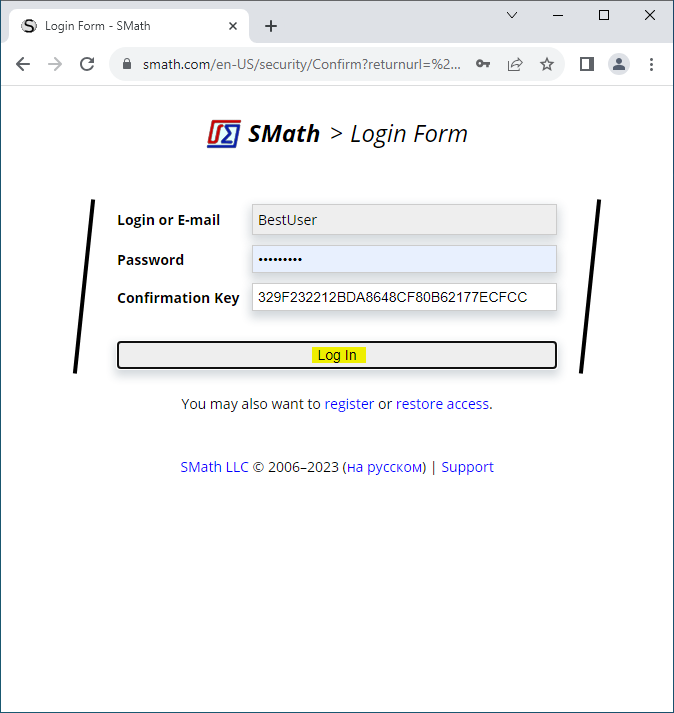
Important: You will not be able to login to the site or to start using SMath Studio until your email verification is completed.