Local Licensing Server Authentication Modes
SMath Studio can obtain licenses from the Local Licensing Server in three ways. Which one you use decides who has to do what, and which licenses a user can get.
This page describes Local Licensing Server 5.1. For version 4.2 and earlier the details may differ — see the delivery instruction for version 4.2 (PDF).
Anonymous
SMath Studio registers itself on the server the first time it runs in a new environment and silently reserves an available license. Neither the administrator nor the user has to do anything: the user only selects Anonymous access when connecting to the server.
Anonymous users get floating licenses. They get fixed licenses only if those licenses are configured for it — see License Reservation.
Accounts created by the administrator
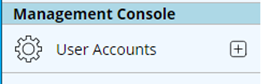
The administrator registers each user on the Create new User Account page: the + button next to User Accounts in the left-hand menu, or http://<server>/en-US/Management/User/New.
The administrator tells each user their credentials; each user signs in to SMath Studio with them.
Self-registration
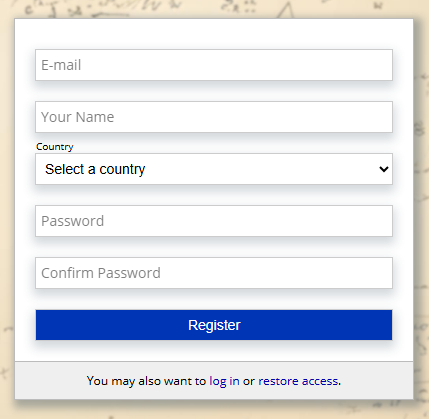
Each user creates their own account on the server's registration page, http://<server>/en-US/security/Register — also reachable from the Register link in SMath Studio's activation dialog — and then signs in to SMath Studio with it.