SMath Studio Enterprise Launch Modes
SMath Studio Enterprise is a set of applications for different uses: manual work with worksheets, automated calculations and integration with other software. Until it is activated, the program runs in trial mode.
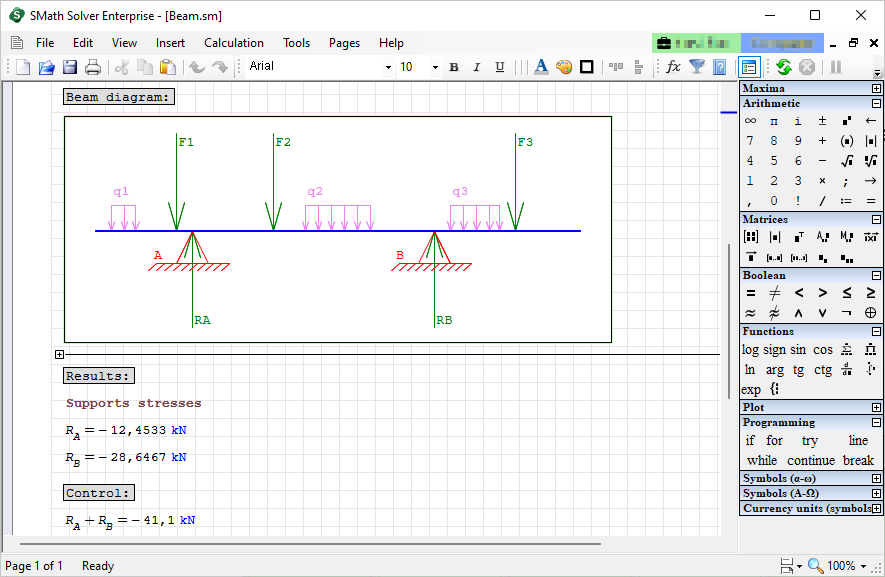
With the user interface
Start Solver.exe. Depending on the platform and the installation method, a shortcut may be on the desktop or the taskbar; otherwise find the file in the folder of the extracted package.
From the command line
SMathStudio_Desktop.exe is in the installation folder, or in the folder of the extracted package. Run with -s and nothing else, it prints the available options:
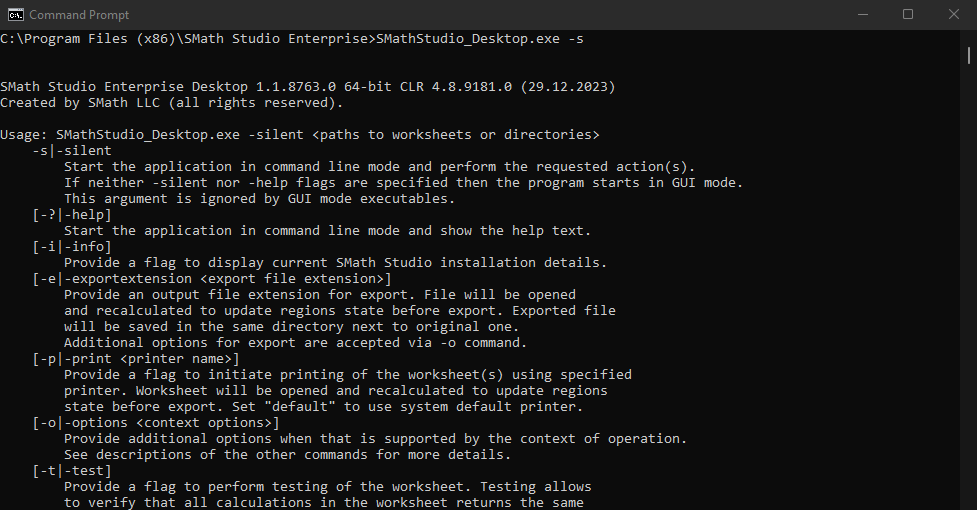
The command line can recalculate, export, print and test worksheets, and activate the program. See Integration for automation.
As a service
SMath Studio can run as a service that performs integration tasks for other applications, through an API usable in your own projects. For use cases, contact your software vendor.